CoreCloud
The company’s file archive, already organised.
CoreCloud is the space for the company’s documents. With CoreJob connected it fills up by itself: reports, expenses, documents and payslips end up in the right folder. With Business workspaces the team works in the same place; with the apps, files stay aligned on the computer and on the phone.
Automatic folders
A folder for every employee and every site.
When CoreJob is connected, the structure is created and updated by itself.
Hours reports
The monthly hours report of each employee, generated automatically.
Technical reports
Service reports, also signed by the customer.
Expense receipts
Approved receipts and supporting documents, per employee and per site.
Documents and payslips
Check-ups, certificates, documents uploaded in CoreJob and the delivered payslips.
Sites and project managers
Site diary, documents and reports for each site; reports and documents for each project manager.
Business workspaces
The same space for the whole team, with the right permissions.
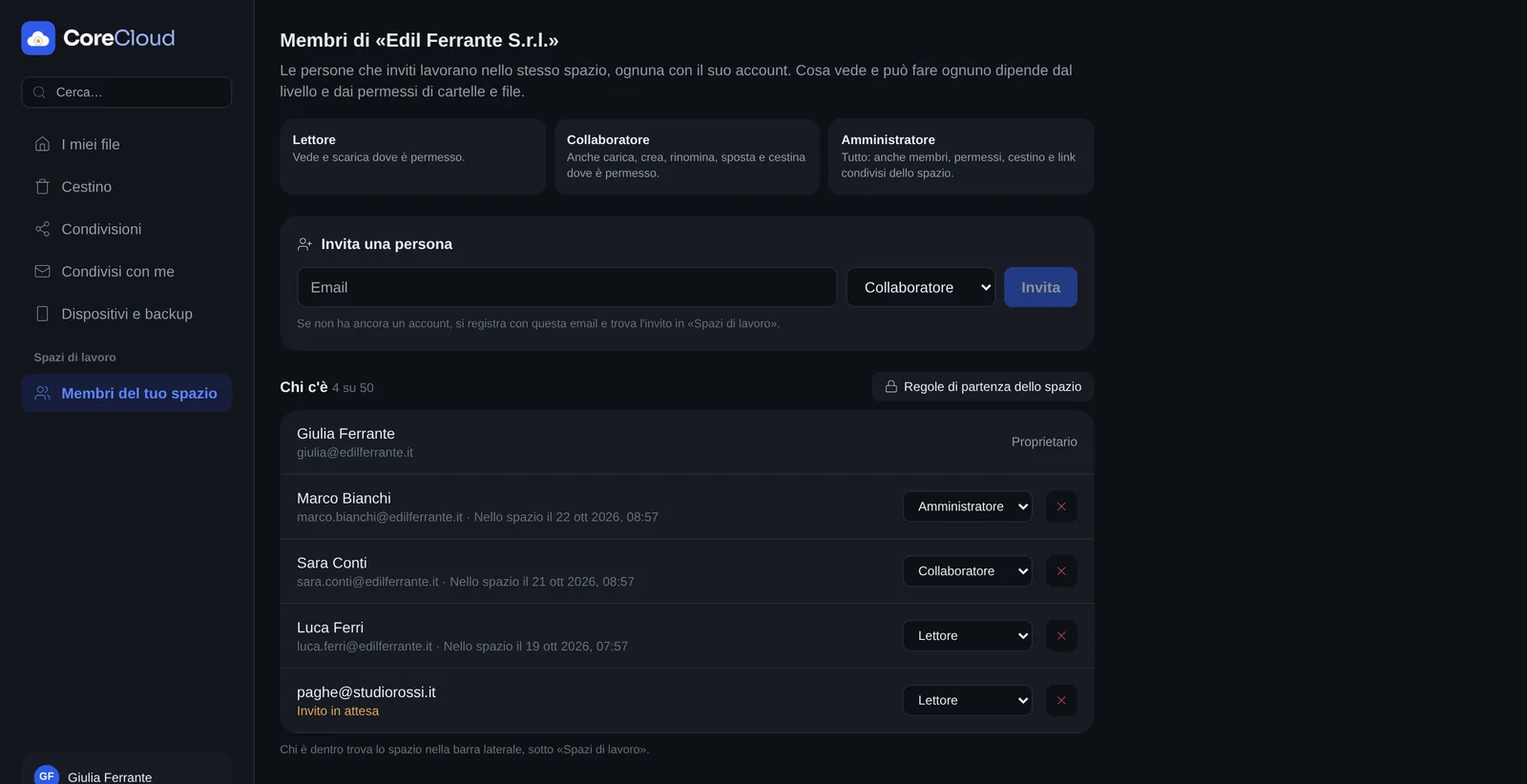
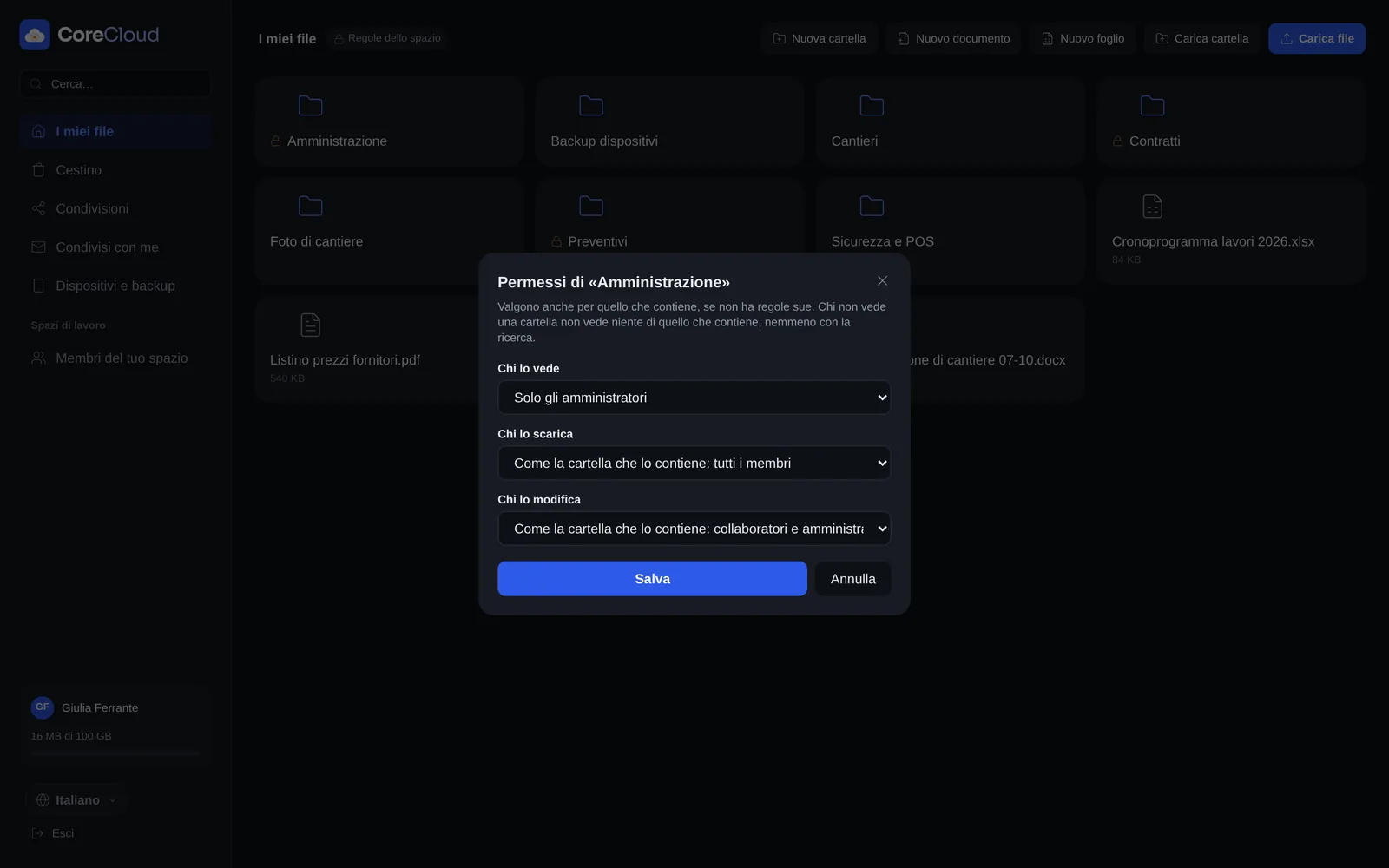
A Business account is the company’s workspace: the owner invites people and decides, folder by folder, who sees, who downloads and who edits.
- Three levelsViewer: sees and downloads. Contributor: also uploads, creates, renames and moves. Administrator: also manages members, permissions, recycle bin and shared links.
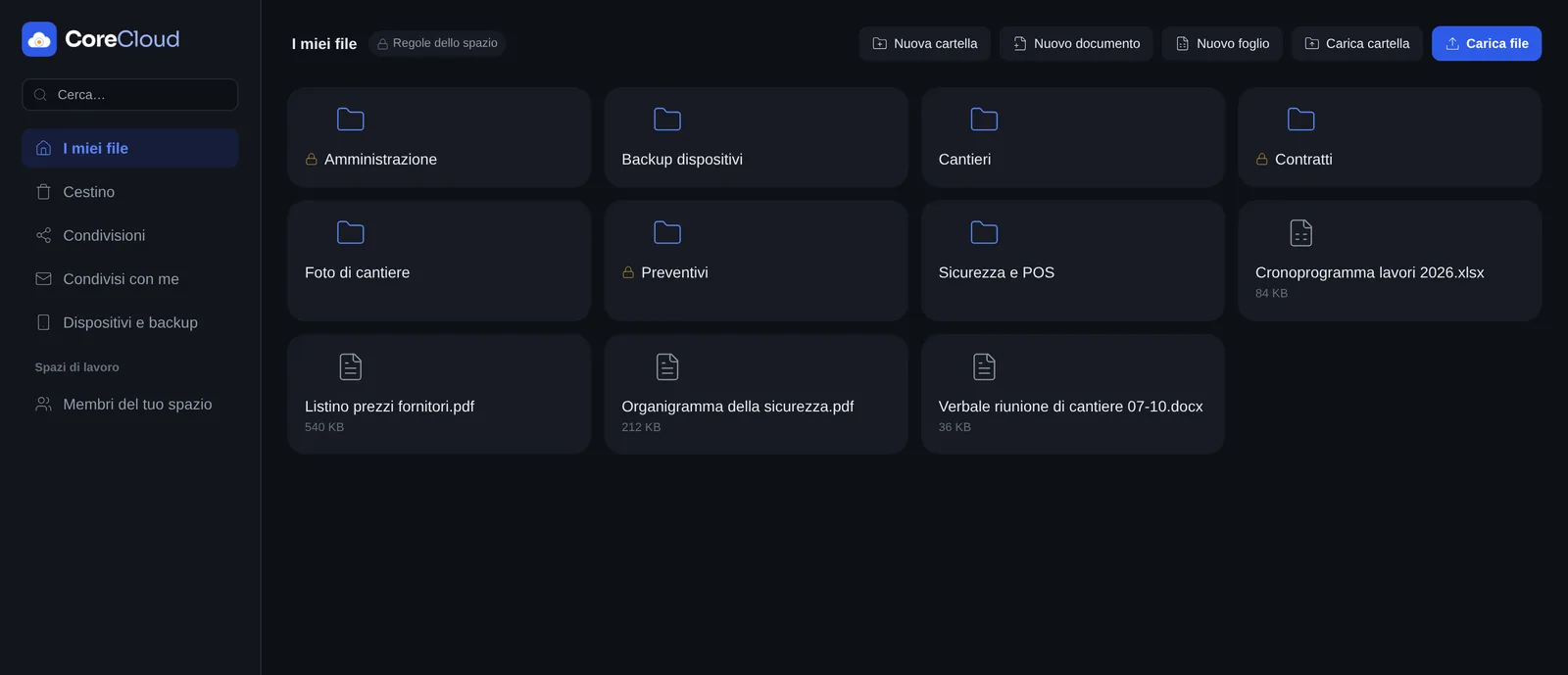
- Permissions per folder and fileWho sees it, who downloads it, who edits it: everyone, contributors and administrators, administrators only, or the same as the folder that contains it. Whoever cannot see a folder does not find its contents, not even by searching.
- Invitations by emailEach person receives the invitation with their level; whoever does not have an account yet signs up with that email and finds it there.
- Personal files stay separateOne click switches from the team space to your own files: the two never mix.
Working on files
Documents and spreadsheets, directly in the browser.
- Document editorTexts written and edited without downloading them: headings, lists, colours, highlighter; they download as Word files.
- SpreadsheetsSheets with real formulas, formatting, colours and resizable columns; they open and download as Excel files.
- Sharing with permissionsFiles and folders with an open link, with a password or only for named people; read-only or editable, with an expiry date.
- Quick tidyingFiles and whole folders dragged in from the computer, multiple selection, moving, recycle bin and download as a zip, also password-protected.
Desktop and mobile apps
Files on the computer and on the phone, always aligned.
The CoreCloud apps for Windows, Mac, iPhone and Android keep files the same everywhere and copy what matters by themselves.
- Synced folderA folder on the computer or phone stays the same as a CoreCloud folder, both ways. If a file changes on both sides, both versions are kept; whatever is deleted goes to the recycle bin.
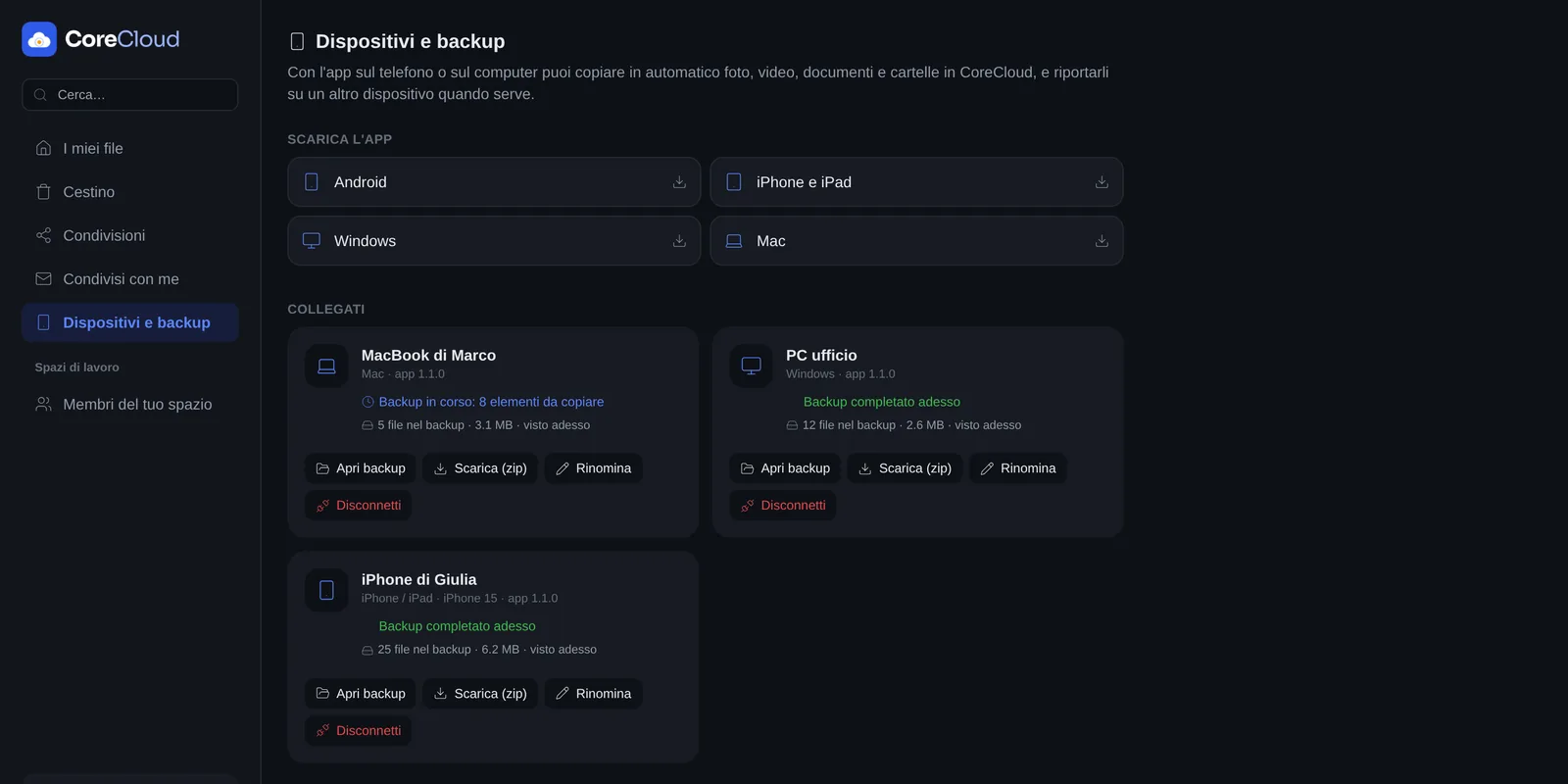
- Computer backupDocuments, Desktop or the folders you choose, copied automatically every few hours; what is already there is not uploaded again.
- Phone backupPhotos and videos (also only on Wi-Fi or while charging), contacts and documents, even with the app closed.
- RestoreOn a new phone or computer you get everything back: photos return to the gallery, contacts to the address book, files to their folders.
- Devices under controlFrom the website, the list of connected phones and computers with their backup status; a lost device is disconnected remotely.
Backup and access
CoreJob data kept safe, also off the server.
Automatic backups
CoreJob database and files saved regularly in CoreCloud, with an integrity check for restoring.
One account
The same account works for CoreCloud and CoreDocs: one login gets you into both.
Copies of signed documents
Documents sent and signed with CoreDocs are copied to CoreCloud automatically, into your folders and divided by date.
Your brand
Logo, icon, colour and login page with your texts and your photo.
In three languages
Italian, English and Spanish, according to the device language.
Book a demo based on your own sites.
Thirty minutes on your real cases: crews, sites, business trips and documents. We reply within one working day.
- Emailinfo@corejob.it
- Phone+39 347 808 7739